 Gomotes
Hey guys,
another tutorial, this time I show you a option to share my emotes with your friends.
The option to share my emotes you can find into the Emoticon Box.
Example:
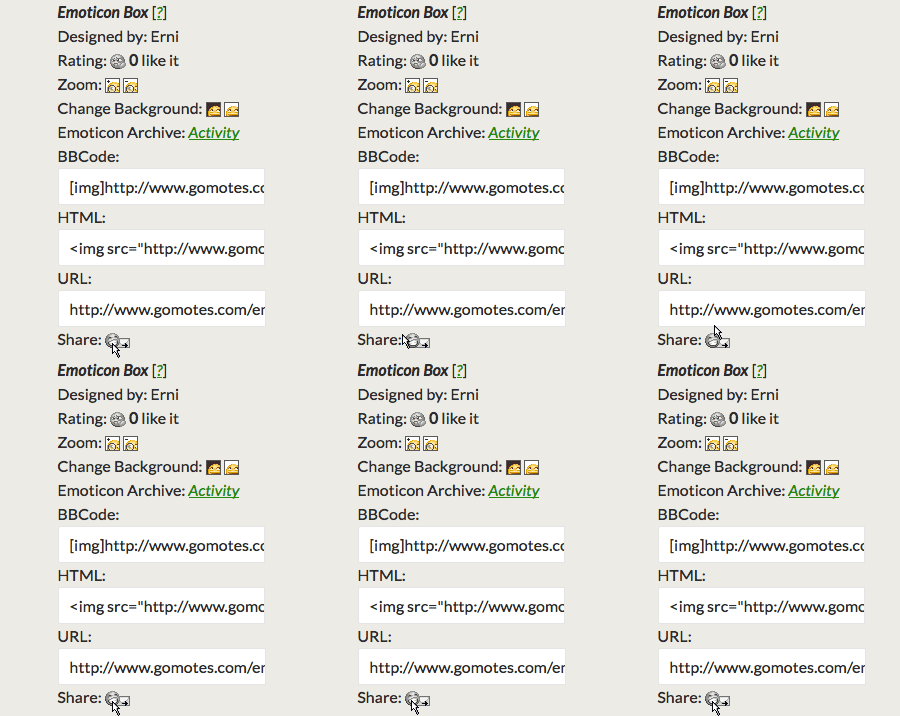
Share the emote with your friends via mail.
Click on the mail icon to send an email, to your friends. Your mail service will open, just add the email adress from your friends and send the email.
There are plenty more ways how you can spread my emotes through the world wide web. If you share my emotes on other sites it would be nice, to add a link back to my site.